If you’re wondering how to sell a digital product, you’re tapping into one of the most exciting business opportunities for creators, freelancers, and entrepreneurs—one that offers low overhead, global reach, and impressive scalability.

There’s no inventory to manage, no shipping costs, and no manufacturing delays. Once a digital product is created, it can be sold repeatedly with minimal additional effort. This scalability makes digital goods a reliable, scalable revenue stream for many creators.
Ebooks, templates, printables, courses, software, stock graphics, and digital art all fall under this category. Additionally, nearly every major online platform now supports selling them in some form. This broad support makes choosing a channel straightforward for creators. Each option offers different fees, audiences, and tools.
This guide covers the fundamentals of selling digital products. Then it breaks down exactly how the process works on the platforms most creators already use. If you want How to sell a digital product, this guide shows the steps clearly. It covers Amazon, Etsy, Shopify, Canva, eBay, Squarespace, and Instagram.
How to Sell a Digital Product
To learn How to sell a digital product, you rely on a handful of core steps.
Additionally, these steps apply regardless of the platform you choose to sell on.
Step 1: Choose a Product With Real Demand
The most common mistake new digital sellers make is building a product first and looking for buyers second. A stronger approach starts with demand:
– Search existing marketplaces to see what similar digital products already sell well- Check keyword search volume for the problem your product solves.
– Look at customer reviews on competing products to identify gaps or complaints you could address better.
Popular digital product categories include templates (resumes, planners, social media graphics), printables, ebooks and guides, online courses, stock photography or design assets, software and plugins, and audio or music files.
Step 2: Create a Polished, Well-Packaged Product
Digital products compete heavily on perceived quality, since buyers can’t physically inspect them before purchase. A clean, professional-looking file, clear instructions, and a well-designed preview image all influence conversion rates significantly.At minimum, your product should:
– Solve the specific problem promised in your listing title and description.
– Be delivered in a common, easy-to-use file format (PDF, PNG, MP4, ZIP, etc.).
– Include simple instructions if any setup or customization is required.
Step 3: Set Up Delivery and Payment
Depending on the platform, digital delivery can be automatic (a downloadable file sent immediately after purchase) or manual (you email the file after receiving an order notification).
Automatic delivery is strongly preferred wherever possible, since it removes friction and reduces the chance of delayed or forgotten fulfillment.
Step 4: Price Strategically
Digital products often have far more pricing flexibility than physical goods, since there’s no per-unit production cost. Many sellers use tiered pricing (a basic version and a premium bundle), limited-time discounts to create urgency, or bundle deals that combine multiple related products at a slight discount.
Step 5: Drive Traffic to Your Listing
No matter how strong the product is, sales depend on visibility. This might mean optimizing your listing for a marketplace’s internal search algorithm, building an audience on social media, running paid ads, or using email marketing to promote new releases to an existing list.With that foundation in place, here’s how the process looks on specific platforms.
How to Sell a Digital Product on Amazon
Amazon is best known for physical goods, but it does support certain types of digital products, primarily through Kindle Direct Publishing (KDP) for ebooks and, in more limited cases, through Amazon’s digital software and app storefronts.
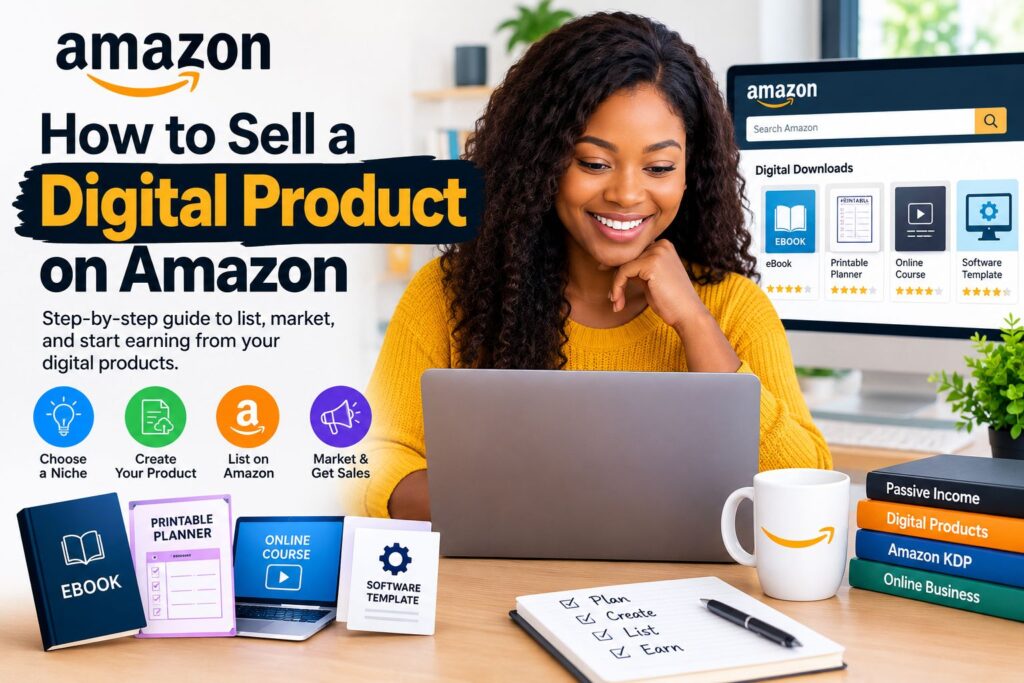
For most creators, KDP is the practical entry point:
– Create an Amazon KDP account, which is free and separate from a standard seller account
– Format your manuscript according to Kindle’s file requirements, typically using a Word document, EPUB, or KDP’s own formatting tools
– Design a cover that meets Amazon’s dimension and resolution requirements, since cover quality significantly affects click-through rates
– Choose your royalty plan (35% or 70%, depending on price and distribution territories) and set your price- Fill out keywords and categories carefully, since Amazon’s internal search is a major driver of organic sales.
Beyond ebooks, some digital templates and planners are sold as “printables” through Amazon Handmade or as companion digital files bundled with physical products, though this is less common and more restricted than on marketplaces built specifically for digital goods.
How to Sell a Digital Product on Etsy
Etsy has become one of the most popular marketplaces specifically for digital products, particularly printables, templates, digital art, and craft patterns, because its audience already expects to shop for creative, niche items.

To sell a digital product on Etsy:
– Open an Etsy shop and select “digital download” as the listing type when creating a new product
– Upload your files directly to the listing; Etsy automatically delivers them to buyers after purchase, with no manual fulfillment required
– Write a clear, keyword-rich title and description, since Etsy’s search algorithm relies heavily on matching buyer search terms to listing text
– Include multiple preview images showing exactly what the buyer will receive, including any customizable elements
– Price competitively by researching similar digital listings already ranking well in your category
Etsy’s built-in audience of shoppers actively looking for digital downloads makes it one of the lower-friction platforms to start on, particularly for printables, planners, SVG files, and digital art.
How to Sell a Digital Product on Shopify
Shopify is a full e-commerce platform rather than a marketplace, which means you’re building your own branded store instead of listing inside someone else’s marketplace. This gives you more control over branding and customer data, but it also means you’re responsible for driving your own traffic.
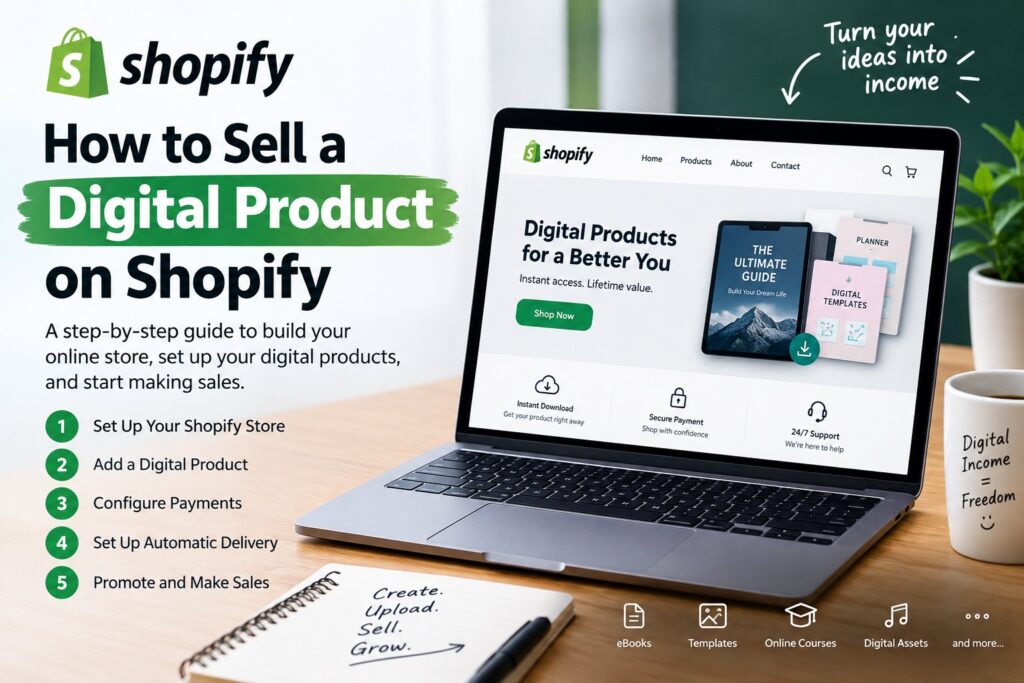
To sell digital products on Shopify:
– Set up a Shopify store and choose a theme suited to digital or creative products
– Install a digital delivery app from the Shopify App Store (such as Digital Downloads or SendOwl), since Shopify doesn’t natively handle digital file delivery out of the box
– Upload your product files through the app, which automatically emails download links to customers after checkout
– Configure your product pages with strong descriptions, previews, and clear explanations of file formats and licensing terms
– Connect payment processing through Shopify Payments or a supported gateway.
Because Shopify stores don’t come with built-in marketplace traffic the way Etsy or Amazon do, most sellers pair a Shopify store with social media marketing, SEO content, email campaigns, or paid ads to drive visitors to their product pages.
How to Sell a Digital Product Online
Beyond specific marketplaces, many creators choose to sell digital products directly through their own website or a dedicated platform built for creators, rather than relying on a third-party marketplace’s rules and audience.
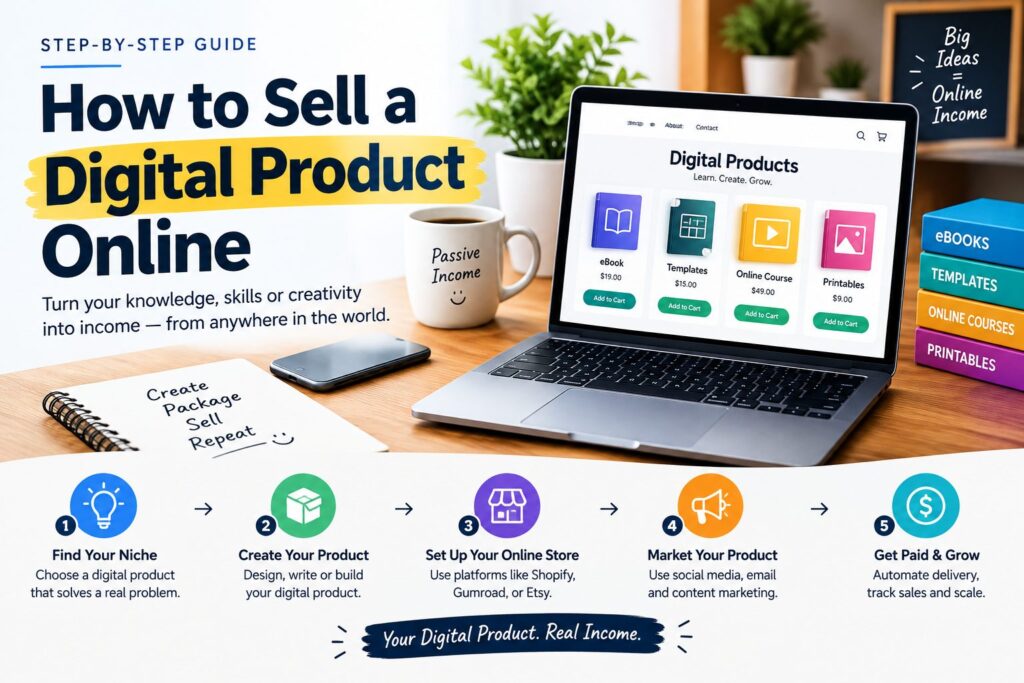
Common approaches for selling digital products online, independent of any single platform, include:
– Creator-focused platforms like Gumroad or Payhip, which handle file delivery, payment processing, and basic storefronts with minimal setup
– Course platforms like Teachable or Thinkific for structured educational content
– A personal blog or website with an embedded payment button or checkout widget, paired with content marketing to attract organic traffic
– Email marketing, using an existing subscriber list as a direct sales channel for new digital product launches
Selling online independently generally requires more upfront work building an audience, since you don’t benefit from a marketplace’s existing shopper traffic. However, it also typically comes with lower platform fees and far more control over pricing, branding, and customer relationships over time.
How to Sell a Digital Product on Canva
Canva has grown from a design tool into a marketplace of its own, particularly through its Creators program, which allows designers to sell templates, graphics, and other digital assets directly within Canva’s ecosystem.

To sell through Canva:
– Apply to the Canva Creators program, which requires meeting certain quality and originality guidelines for submitted content- Design templates using Canva’s native tools, ensuring your designs are fully editable within the platform for buyers
– Submit your templates for review, since Canva evaluates content before it becomes publicly available in their template library
– Earn based on Canva’s creator payment structure, which is generally tied to usage and engagement with your published templates rather than a simple one-time sale price
Alternatively, many designers create Canva templates and sell them independently through Etsy or their own website, providing buyers with a link to a “use template” version of the design, rather than going through Canva’s official creator program. This approach is extremely popular for social media templates, resume designs, and presentation decks.
How to Sell a Digital Product on eBay
eBay is traditionally associated with physical goods and auctions, but it does allow digital product listings under specific conditions, primarily for items like software licenses, digital codes, and certain downloadable content.
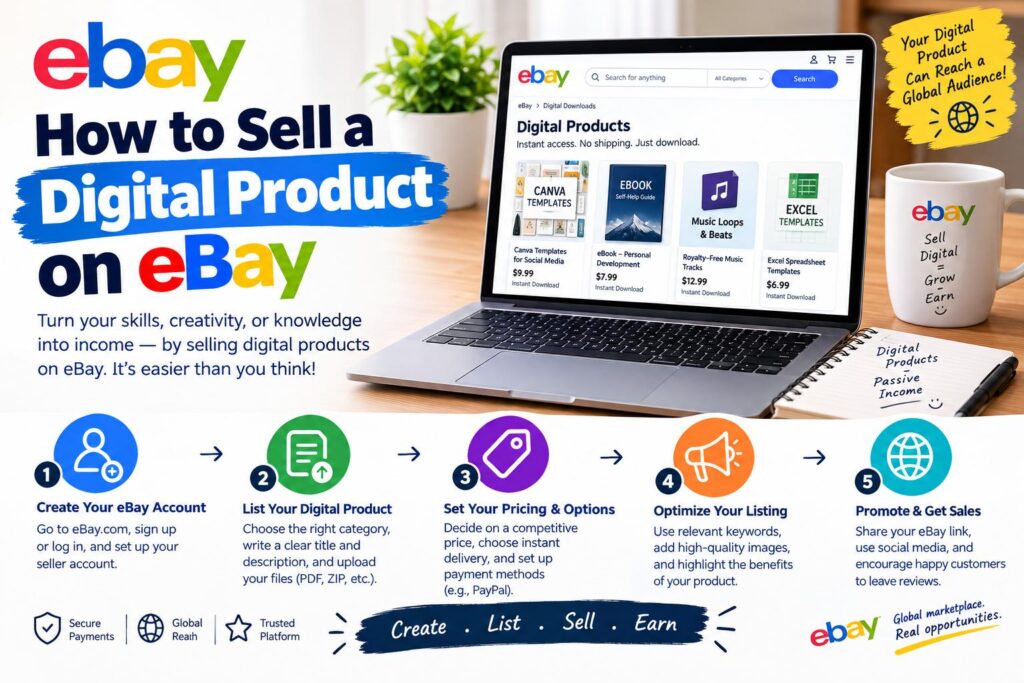
If selling digital products on eBay:
– Choose the “digital delivery” option when creating your listing, which eBay supports for select categories
– Clearly state in the listing that the item is a digital download, not a physical product, to avoid buyer confusion and potential disputes
– Deliver the product through eBay’s messaging system or an automated delivery method if using a compatible third-party tool
– Follow eBay’s specific category restrictions closely, since not all types of digital content are permitted, and policies here are more limited than on marketplaces built specifically for digital goods
Because eBay’s core buyer base and search algorithm are built around physical products, digital sellers often find better traction on marketplaces designed specifically for digital downloads, using eBay as a secondary channel rather than a primary one.
How to Sell a Digital Product on Squarespace
Squarespace functions similarly to Shopify in that it’s a website builder rather than a marketplace, giving sellers a fully branded storefront with more design flexibility than most e-commerce platforms.
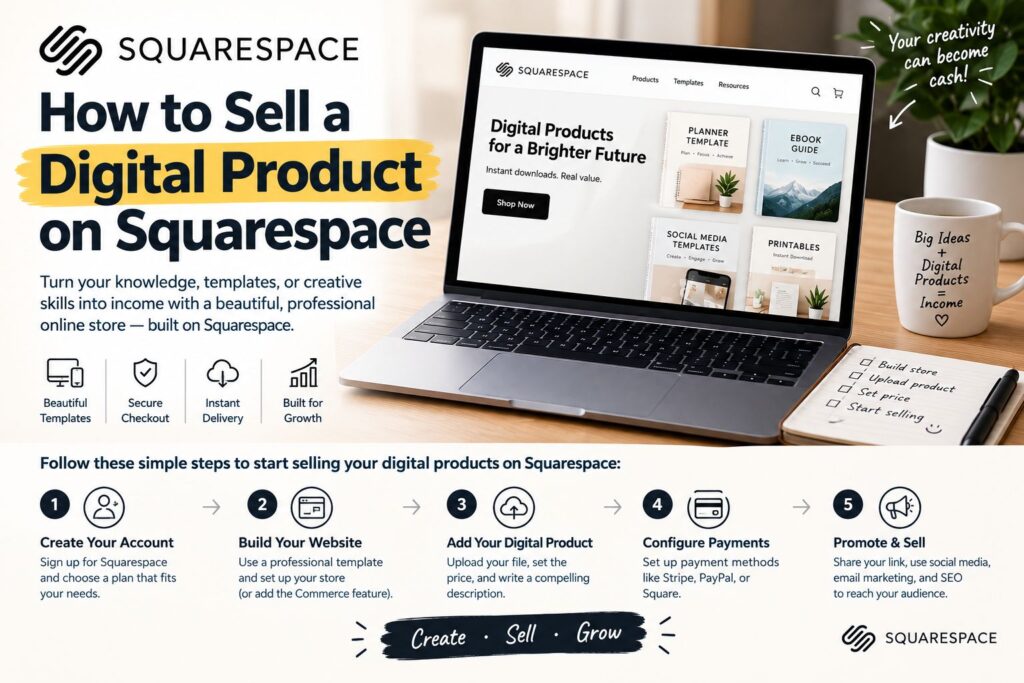
To sell digital products on Squarespace:
– Choose a Squarespace plan that includes e-commerce functionality, since digital selling requires at least a Business or Commerce plan
– Add a digital product listing through Squarespace’s native digital products feature, which supports direct file uploads without needing a third-party app
– Customize your product page with descriptions, images, and pricing, using Squarespace’s design tools to match your overall site branding
– Set up automated email delivery, which Squarespace handles natively once a digital product purchase is completed
Squarespace’s native digital product support (without requiring third-party apps, unlike Shopify) makes it a relatively smooth option for creators who already want a polished, design-forward website and don’t want to manage a separate delivery plugin.
How to Sell a Digital Product on Instagram
Instagram doesn’t natively host digital product sales the way Etsy or Shopify does, but it functions as one of the most effective discovery and marketing channels for digital creators, often funneling traffic to an external store or link.
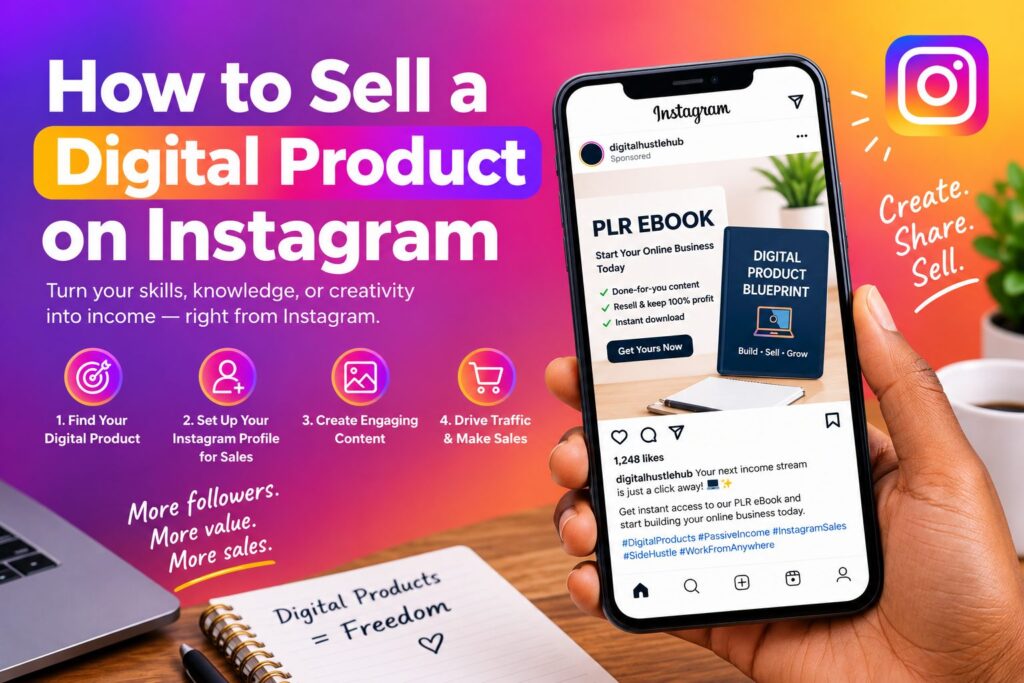
Common approaches for selling digital products through Instagram include:
– Adding a direct link to your digital product or storefront in your bio, using a link-in-bio tool if promoting multiple products at once
– Using Instagram Shopping features if your store is connected through a supported platform like Shopify, allowing product tags directly on posts and Reels
– Creating content that showcases the product in use — templates being filled out, printables being used, or course previews — to build interest before directing viewers to purchase
– Running Instagram or Meta ads targeting audiences likely to be interested in your specific niche, linking directly to your product page
– Using Stories with swipe-up or link stickers to promote limited-time launches or discounts
Because Instagram is primarily a discovery and engagement platform rather than a transaction platform, most successful digital product sellers treat it as the top of their sales funnel, driving traffic toward a dedicated store on Etsy, Shopify, Squarespace, or a creator platform where the actual purchase takes place.
Bringing It All Together
Choosing where to sell a digital product often comes down to a trade-off between built-in audience and control. Marketplaces like Etsy and Amazon offer existing shopper traffic but come with more competition and platform rules.
Independent platforms like Shopify and Squarespace offer full branding control and lower fees but require you to generate your own traffic. Social platforms like Instagram rarely handle the actual transaction but play a powerful role in driving awareness and directing potential buyers toward wherever your product is actually listed.
Many successful digital product businesses eventually operate across several of these channels simultaneously — listing on a marketplace for organic discovery, maintaining an independent store for brand control and better margins, and using social platforms to continually feed traffic into both.
Final Thoughts
Learning how to sell a digital product effectively starts with the same fundamentals regardless of platform: solving a real problem, packaging the product professionally, and making the buying and delivery process as frictionless as possible.
From there, each platform offers a different mix of built-in traffic, control, and fee structure, and the right choice often depends on your specific niche, existing audience, and how much control you want over branding and pricing.
Testing a product on one platform first, then expanding to others once you understand what resonates with buyers, tends to be a more sustainable path than trying to launch everywhere simultaneously.